
Free QR gen online to turn your links into branded QR codes.
Use Kompi's fast qr gen tool to create QR codes for links, menus, Wi-Fi, business cards and more. Customize colors, shapes and logos, then download print-ready QR codes in just a few clicks.
No design skills needed – paste your link, tweak your QR style, and share or print your code anywhere. Ideal for creators, small businesses, brands and agencies.
TRY IT NOW
Generate your QR code
Free online qr gen. Customize your style, then download a scan-ready code.
Complete the content
Send people to a website or landing page.
Add valid content above to generate a QR code.
Design your KR Code
Choose a frame, pattern, corners and logo to match your brand.
Export size
1024px · For print, use at least 1000px.
Quiet zone (margin)
Keep some space around the code for better scans.
Pattern style
Remember! For optimal QR code reading results, we recommend using high-contrast colors.
Your QR code preview will appear here once you add content.
PNG export · 1024px. For print, keep at least 2 cm of clear space around the code.
FEATURES
Everything you expect from a modern qr gen
Simple to start, powerful when you need more. No clutter, no setup.
Works everywhere
QR codes scan instantly on iOS and Android using standard phone cameras. No apps required.
Static & dynamic QR
Start with a simple static QR code, then upgrade to dynamic codes with editable destinations and tracking.
Brand-ready designs
Match your brand with colors, corner styles and optional logos — without breaking scanability.
Scan analytics
See how often your QR codes are scanned and which campaigns perform best over time.
60-SECOND DEMO
Watch how Kompi qr gen works
Paste a link, customize your QR code, and download a print-ready file. No signups, no setup — just scan-ready codes.
QR GEN GUIDE
What is an online qr gen and how does it work?
A qr gen (QR generator) is a tool that converts information — usually a URL — into a scannable QR code. When someone scans that QR code with their phone camera, they're taken directly to your link, menu, profile, form or file. Kompi's online qr gen focuses on speed, branding and analytics so you can ship campaigns faster and know what's actually working.
STATIC VS DYNAMIC
Static vs dynamic QR codes
When you generate a QR code, you'll typically choose between static and dynamic QR codes:
- Static QR codes always point to the same destination. They're perfect for long-term, unchanging links: your homepage, a simple menu PDF or a one-time resource.
- Dynamic QR codes give you flexibility. You can change the destination later without reprinting, and you can track scans and engagement over time.
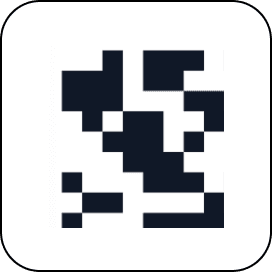
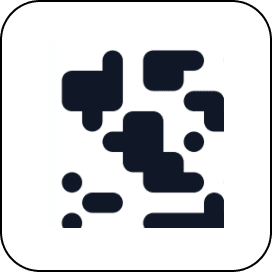
With Kompi, you can start with a simple static QR code, then upgrade to dynamic when you're ready for analytics and campaigns. If you need fully flexible, trackable codes at scale, explore Kompi KR Codes for advanced QR code management.
USE CASES
Best use cases for qr gen in 2025
QR codes are now part of everyday behaviour. People expect to scan for menus, offers and more. Here are a few high-impact ways to use an online qr generator and qr code maker like Kompi's:
- Restaurants & cafés: link to digital menus, order forms or feedback pages using QR menus.
- Brands & packaging: send people from packaging to product pages, how-to guides or loyalty programs.
- Events & conferences: put QR codes on badges, banners and slides to share schedules, slides, signups or contact cards.
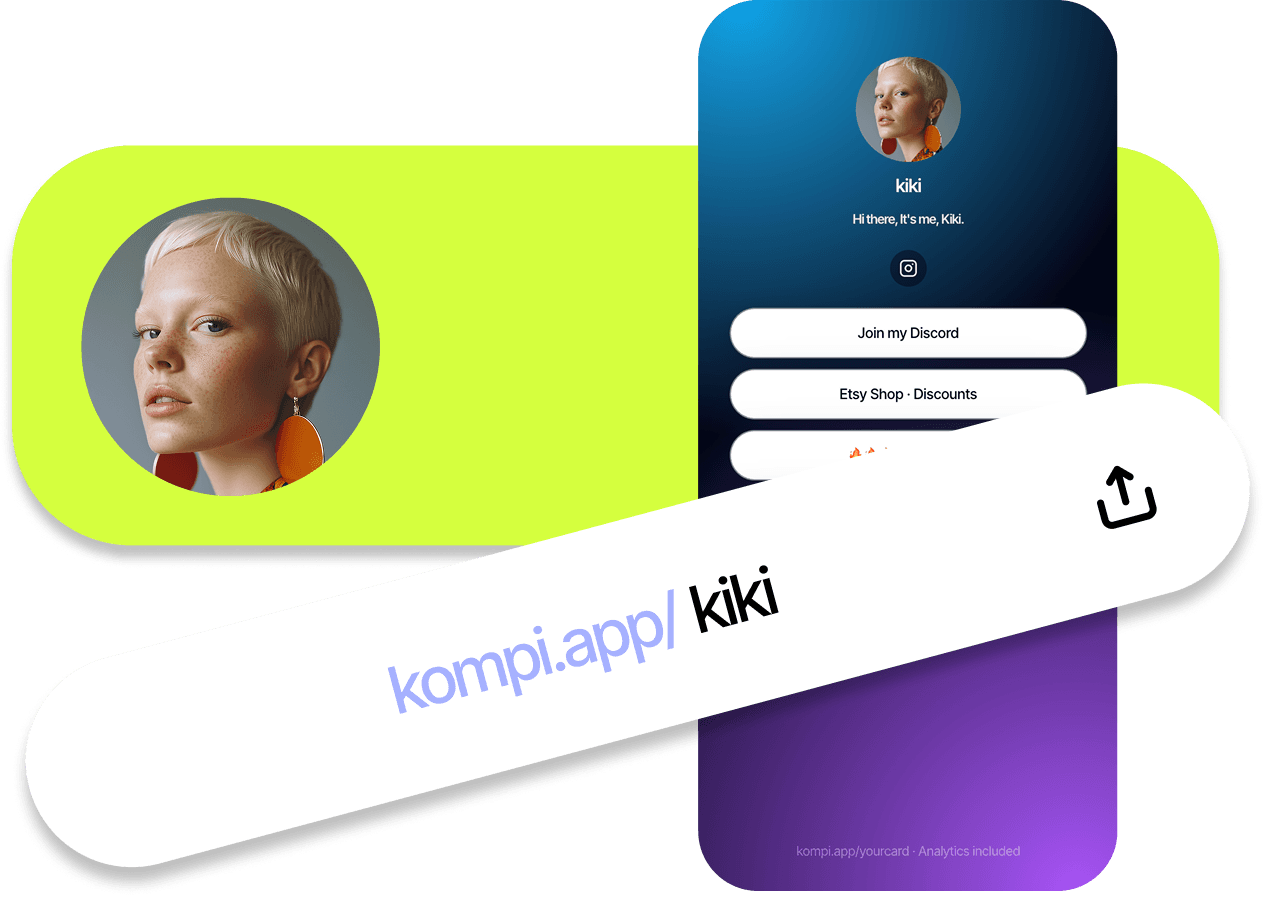
- Creators & personal brands: use QR codes to link directly to your Kompi Card or link-in-bio page.
- Retail & offline ads: add QR codes to posters, flyers and displays to capture traffic and track campaign performance.


WORKFLOW
How to create a QR code with Kompi's qr gen
You don't need to be technical to use Kompi as your qr code generator. Here's a simple workflow:
- Paste the URL or content you want to share.
- Pick your QR style: classic dots, rounded, diamond and more. You can match your brand colors and add a logo.
- Choose whether you need a simple static code or a dynamic QR code with tracking.
- Generate your QR code, test it with your phone, then download a high-quality file for print or digital use.

If you're running campaigns, pair your QR codes with Kompi links and UTM builder so you can see performance inside your analytics.
DESIGN
Design and branding tips for QR codes

A good QR code has two jobs: it should be instantly scannable and look like it belongs to your brand. When using Kompi's qr gen:
- Maintain strong contrast between the QR code foreground and background.
- Avoid making the logo too large — leave enough data modules visible so it remains scannable.
- Keep enough quiet space (margin) around the QR code so cameras can detect it easily.
- Test your QR code on multiple devices and lighting conditions before printing at scale.
Kompi supports qr code generator with logo use cases while keeping your codes clean and on-brand.
PRINT & SAFETY
Print, file formats and scanability
For most people, the easiest option is to download a high-resolution PNG from the qr gen and drop it into your design tool or document. If you're working on large-format prints like billboards or trade-show stands, consider vector-style outputs where available.
As a rule of thumb, the farther away people will stand, the larger the QR code needs to be. Always print a sample and test it from the actual distance where people will scan.
Security, privacy and link control
QR codes are simply a way to encode data — usually a URL. The security and privacy experience comes from where that URL leads. With Kompi, you stay in control of your destinations and workspace:
- You decide which links your QR codes point to, and you can update them when you use dynamic codes.
- You can pause or redirect campaigns without reprinting, by updating the underlying link.
- You can keep QR codes mapped to your core QR generator setup or to individual campaign pages.
As with any QR code, encourage users to scan codes from trusted sources, and keep your own links clean, simple and branded when possible.
QR CODES FOR ANY PLACE PEOPLE SCAN
One qr gen, three very normal use cases.
Kompi's online qr gen works for menus, campaigns and profiles. Start simple with static codes, then upgrade to dynamic when you're ready to track scans.
MENUS & PRINT
For restaurants & cafés
Link table tents, window stickers and flyers to QR menus you can update anytime.
- • Swap menus without reprinting
- • Send people to offers or feedback
- • Track which locations scan most
For campaigns & packaging
Turn posters, boxes and in-store displays into trackable entry points that all route through Kompi links.
- • Point scans to a landing page
- • Use one QR across channels
- • Update offers without reprints
CREATORS & TEAMS
For profiles & link-in-bio
Drive scans to a Kompi Card or link-in-bio page that holds everything you want people to see.
- • Share one scannable identity
- • Route people to socials & offers
- • Keep everything editable over time
Your QR codes shouldn't live in a totally separate system.
Use Kompi to generate QR codes that stay connected to your links, menus and analytics. Change where they point without changing the print, packaging or signage.
WHY KOMPI
Why use Kompi for qr gen?
Kompi gives you a clean online qr generator plus simple tools for branding, tracking and organizing your QR codes as you grow.
Built for branding
QR codes that look like your brand
Use your brand colors, shapes and logo so QR codes feel like part of your design, not an afterthought.
Simple analytics
See what's getting scanned
When you're ready, add dynamic QR codes and basic analytics so you can see which menus, posters or campaigns perform best.
Part of Kompi
One place for links & QR
Use qr gen alongside Kompi links, menus and cards so everything lives in one simple workspace.
COMPARISON
Kompi vs typical QR code generators
There are many qr code generators online. Kompi is designed for people who want a fast qr gen tool that also fits into a bigger growth stack — not just a one-off download.
| Feature | Kompi QR Gen | Typical free QR generator |
|---|---|---|
| Branding & styles | Multiple styles, brand colors, logos and layouts. | Basic black-and-white codes with limited customization. |
| Dynamic QR support | Dynamic QR codes with analytics and editable destinations. | Often static-only or limited dynamic features. |
| Analytics & tracking | Scan insights, trends and link performance across campaigns. | Basic or no analytics, often outside your main workflows. |
| Part of a growth stack | Works with Kompi links, menus, subscribers and workspaces. | Standalone tools that don't connect to the rest of your stack. |
| Team & workspace friendly | Built for creators, brands and agencies managing multiple projects. | Often designed for single-use, one-off QR creation. |
Kompi's qr gen is ideal if you want to start free and grow into a more advanced setup over time — without switching platforms.
LESS FRICTION, MORE SCANS
More “scan, done”. Less “which generator was that?”
Simple, fast QR creation that stays connected to your links and campaigns.
★★★★★
“Everything runs through Kompi now”
“Nice to have QR codes, links and menus in one place instead of three random tools.”
★★★★★
“Fast to generate, easy to scan”
“We dropped the QR codes onto our menus and posters, and every phone we tried picked them up instantly.”
★★★★★
“No more dead links on print”
“If something changes, we update the Kompi link and the QR codes just keep working. No frantic reprints.”
FAQ
QR gen FAQs
Everything you need to know about using Kompi as your online qr gen and QR code generator.
What is a QR gen tool?+
A QR gen tool (QR generator) lets you create QR codes from links, menus, contact details, Wi-Fi passwords and more. With Kompi, you can customize colors, shapes and logos, then download high-quality QR codes ready for print or digital use.
Is Kompi’s qr gen free to use?+
Yes, you can use Kompi’s free qr gen online to create and download QR codes. Advanced features like branded workspaces, analytics, dynamic QR codes and team collaboration are available on paid plans.
What’s the difference between static and dynamic QR codes?+
Static QR codes always point to the same destination once created. Dynamic QR codes can be updated later without changing the printed code, and can track scans and engagement — ideal for campaigns, menus and business cards.
Can I track how many times my QR code is scanned?+
Yes. When you create dynamic QR codes with Kompi, you can see scan counts and trends in your analytics dashboard. That helps you understand which campaigns and placements perform best.
What file format should I use for printing QR codes?+
For most print use cases, high-resolution PNG is perfect. If you’re printing at very large sizes, vector formats like SVG or PDF are ideal. Kompi’s qr gen tool can export QR codes suitable for both digital and print use.
Can I use custom colors and a logo in my QR codes?+
Yes. Kompi lets you pick your brand colors, adjust corner and dot styles, and upload a logo in the center of the QR code. We handle contrast and sizing considerations so your QR codes stay easy to scan.
TRUST
Privacy, safety and responsible QR use
QR codes are powerful — and the experience depends on where they lead. Keep it trusted, clean and controlled.
Kompi provides tools to help you create and manage QR codes. As with any QR code, the safety of the experience depends on where the code leads. Always link to pages you trust and control, and encourage your audience to scan codes from trusted sources.
When you use Kompi's qr gen together with dynamic QR features, you can update destinations and pause campaigns without reprinting. That gives you more control over what happens after every scan.
For more advanced setups, pair qr gen with Kompi's workspaces, links and analytics so you can organise your campaigns and understand performance over time.
EXPLORE MORE
Related Kompi tools & pages
Explore more QR and link tools that work seamlessly with Kompi qr gen.